Celebrating 31 Years of Client Service

Call
Portal+ portfolio reporting software

Portal+

Investment performance reporting software for RIAs

Portal+ turns your existing investment reporting output into recurring client packages, performance dashboards, and secure document delivery. Your APX or Axys system supplies the accounting and performance data; Portal+ handles the client-facing reporting workflow, with CSSI support for custom report layouts.
  • Automate recurring portfolio report packages instead of assembling them by hand
  • Deliver reports through a white-label client portal with a secure document vault
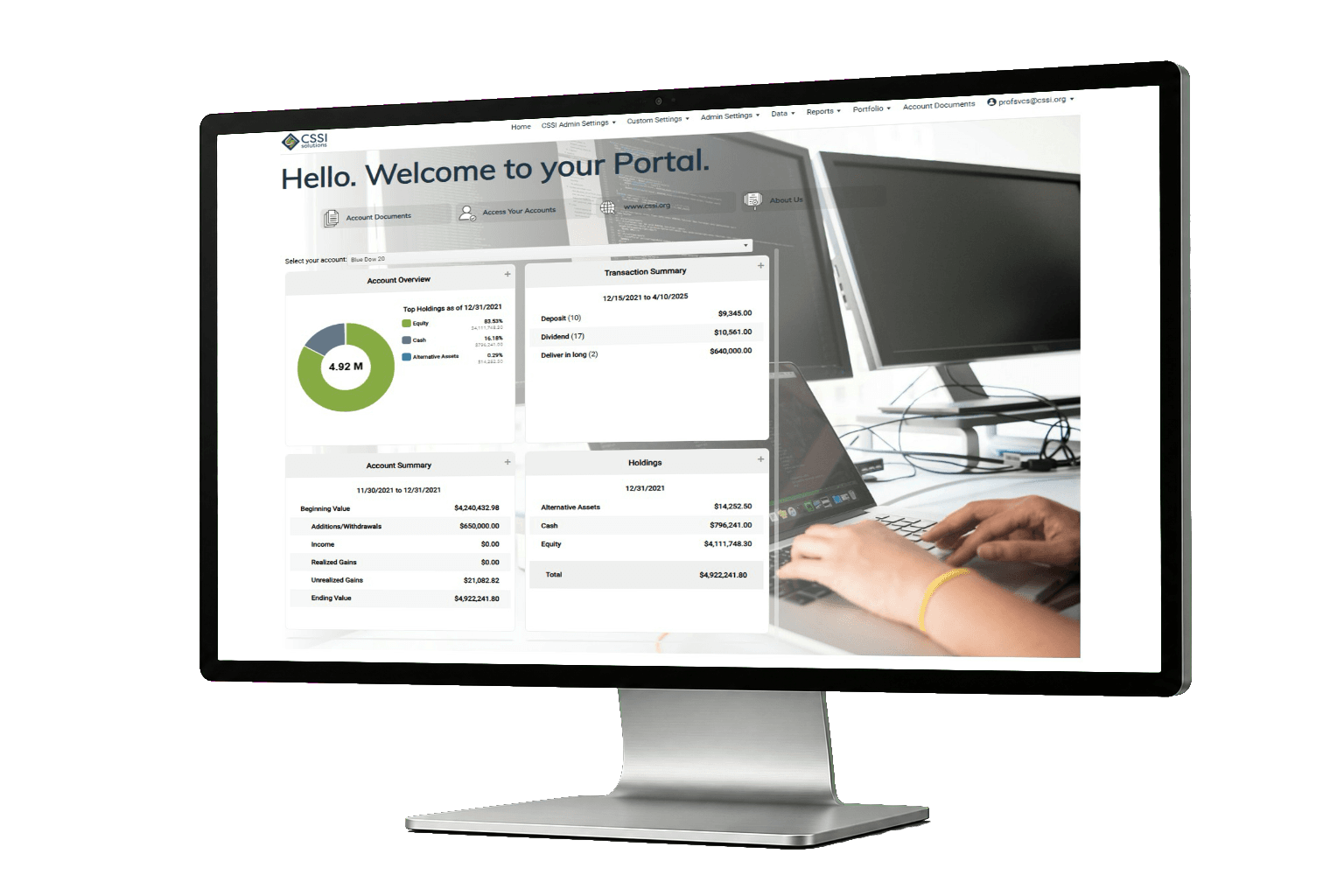
  • Give clients performance and holdings dashboards between reporting cycles
  • Keep APX, Axys, and your custodial workflows exactly where they are

From a CSSI customer engagement

See the reporting output from an Axys client engagement

A long-only equity manager used Portal+ to modernize quarterly reporting while retaining Advent Axys. The case study includes before-and-after report examples and describes the implementation for that firm.

View the report examples and case study
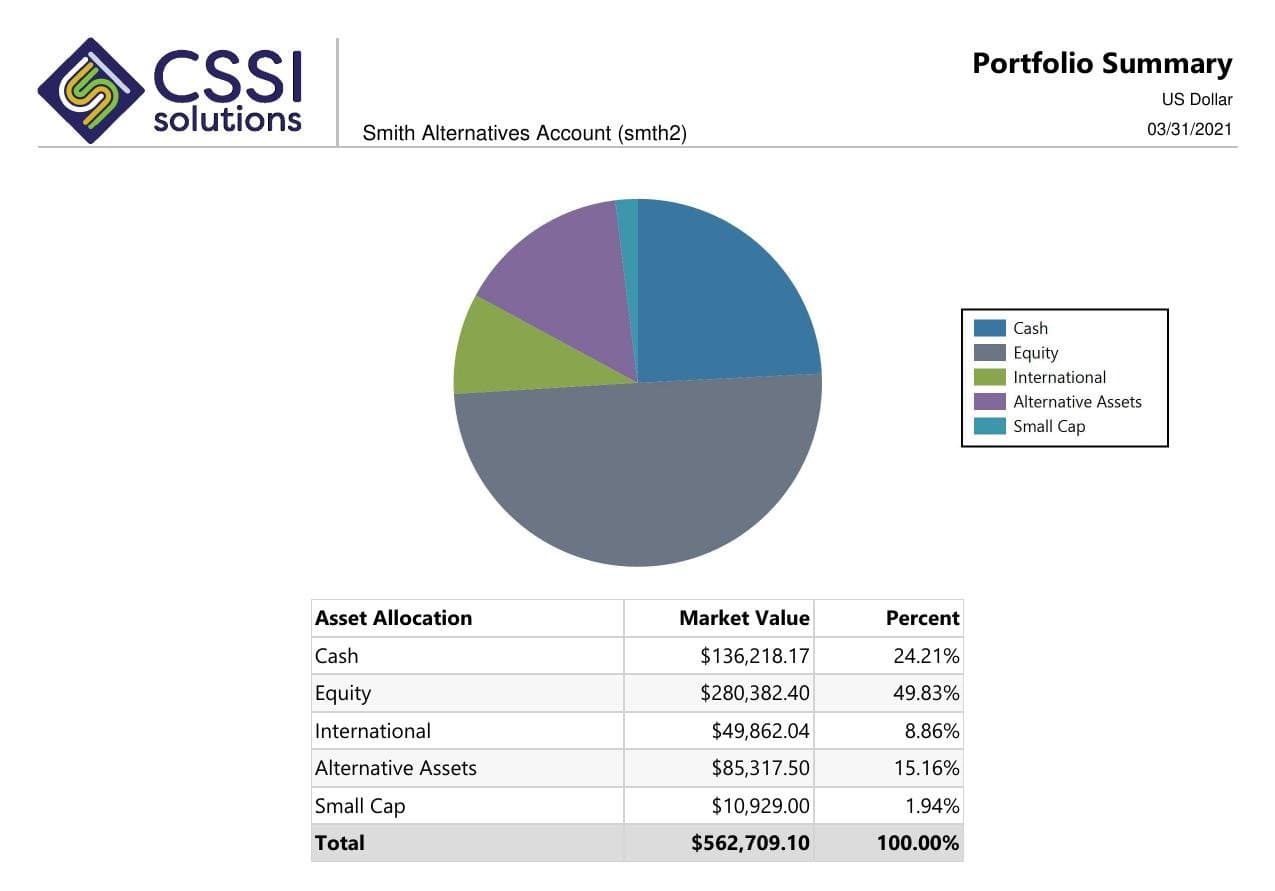
Investment report produced with Portal+ using Advent Axys data

Choose the right scope

Which part of investment reporting needs to change?

Compare the work you need from reporting software: calculating performance, developing report layouts, assembling packages, or delivering them to clients. Portal+ focuses on packaging, dashboards, and delivery using your existing portfolio data.

Keep the accounting and performance source

If APX or Axys already supplies the numbers your team uses, retain that source while improving report presentation and delivery.

Define the report development work

New layouts and custom SSRS reports are a services scope. Identify the reports that need development before deciding which packages to automate.

Clients judge the delivery experience

Clients interact with the portal and dashboard. Portal+ gives them a clear path to the documents they need.

Performance reporting

Investment reporting automation from report output to delivery

Performance reporting is where manual work piles up: assembling quarterly packages, checking every page, and fielding resend requests afterward.
With Portal+, investment performance reporting keeps starting from the numbers your firm already produces in APX, Axys, or SSRS. The software automates what happens next: packaging reports into recurring client deliverables, publishing them to a secure vault, notifying clients, and giving them dashboards for performance, holdings, and activity between formal cycles.
CSSI can update report layouts, composite views, and firm branding as a separate development scope. Compare the changed output against approved source figures before adding it to a recurring package.

What's included

Portal+ covers the reporting layer

Automated report packaging
Recurring quarterly and monthly packages produced through one controlled publish workflow.
White-label client portal
Your branding, your domain, role-based access for clients, advisors, and operations.
Performance and holdings dashboards
Client-facing views for performance, allocation, activity, and account detail.
Secure document vault
Statements, reports, tax documents, and shared files in one retrievable place.
APX, Axys, and SSRS integration
Built to sit on top of the Advent stack most of our clients already run.
SOC 2-certified hosting
Hosted and operated under the same SOC 2 program as CSSI's cloud business.

Comparison

Portal+ or an all-in-one platform?

Both paths can work. The difference is what you have to change to get there.

Choose an all-in-one platform when

You have already decided to leave your portfolio accounting system and want reporting bundled into that migration.

Choose Portal+ when

Your accounting and performance numbers are solid, and the gap is client-facing: packaging, portals, dashboards, and delivery. You get the reporting upgrade without the migration.

Capability fit

Match the requirement to the right part of your reporting stack

Use this scope map when evaluating investment reporting software. Bring a representative package so CSSI can confirm the data, configuration, development, and delivery work it needs.

Scroll across to review all three columns.

Match the requirement to the right part of your reporting stack
Reporting requirementWhere it belongsWhat to confirm with CSSI
Accounting and performance figuresAPX or Axys supplies the portfolio accounting and performance source used by the reporting workflow.The approved reference, source refresh, required periods, and responsibility for validation.
Custom report layoutsCSSI can develop APX and SSRS reports around available data and agreed output requirements.The sample layout, source fields, group totals, development scope, and acceptance checks.
Recurring packages and client retrievalPortal+ supports package preparation, client dashboards, secure document access, and delivery.Package rules, recipient roles, archive access, configuration, and recurring operations.
Attribution and risk calculationsAn identified analytical source provides the required methodology and measures.Source output, permissions, fields, total rules, and any additional integration work. Portal+ is the reporting and delivery layer.
Additional custodians or outside assetsData preparation and reconciliation establish what can enter the portfolio reporting environment.Source availability, mappings, refresh dates, valuations, exception owners, and feasibility of additional feeds.
Entity accounting or tax workEvaluate the office's accounting and tax requirements separately from the investment-reporting workflow.The investment views and delivery scope CSSI can support, along with requirements that need another system or provider.

Prepare for a review

Bring the requirements behind the report

Use the workflow that matches your next decision. Each includes a checklist, a sample scenario, and the material to prepare for a scoped conversation.

Investment reporting software evaluation

Use one representative report package to compare calculation, report development, client access, and delivery requirements. Use the reporting checklist.

Investment analytics reporting requirements

Define the source, grouping, benchmark, and validation rules for analytics shown in an investment report. Use the reporting checklist.

Multi-custodian investment reporting

Check account mappings, source dates, transfers, and reconciliation before combining custodial data in a report. Use the reporting checklist.

Questions

Frequently asked questions

Straight answers to the implementation, workflow, and fit questions that usually come up first.

What is portfolio reporting software?

Software that turns portfolio accounting data into client-ready reporting: report packages, performance dashboards, and secure delivery through a client portal. Portal+ covers that layer while your existing system keeps doing the accounting.

Is Portal+ investment performance reporting software?

Yes, for the client-facing side. Performance numbers come from your portfolio accounting system, and Portal+ handles packaging, dashboards, and secure delivery.

Do we have to replace APX or Axys to use it?

No. Portal+ sits on top of the systems you already run and upgrades the reporting layer without a replatforming project.

Is the portal white-label?

Yes. Clients see your firm's branding throughout the portal.

Who builds the reports themselves?

Your team can keep using its existing reports, or CSSI's consultants can build custom SSRS and APX layouts as part of the rollout.

Does Portal+ replace investment analytics software?

Portal+ supports reporting, dashboards, packages, and client delivery using portfolio data. Attribution and risk calculations need an identified analytical source. CSSI should review the available output and any additional integration work before committing to a custom analytics report.

Next step
See how Portal+ fits your reporting workflow

Share the reporting, delivery, or access issue you are trying to tighten up and we will show you where Portal+ fits.