Celebrating 31 Years of Client Service

Call
Mapping Advent APX and Axys history to a new portfolio platform

Data Services · Leaving Advent

Moving off Advent APX or Axys without leaving your history behind

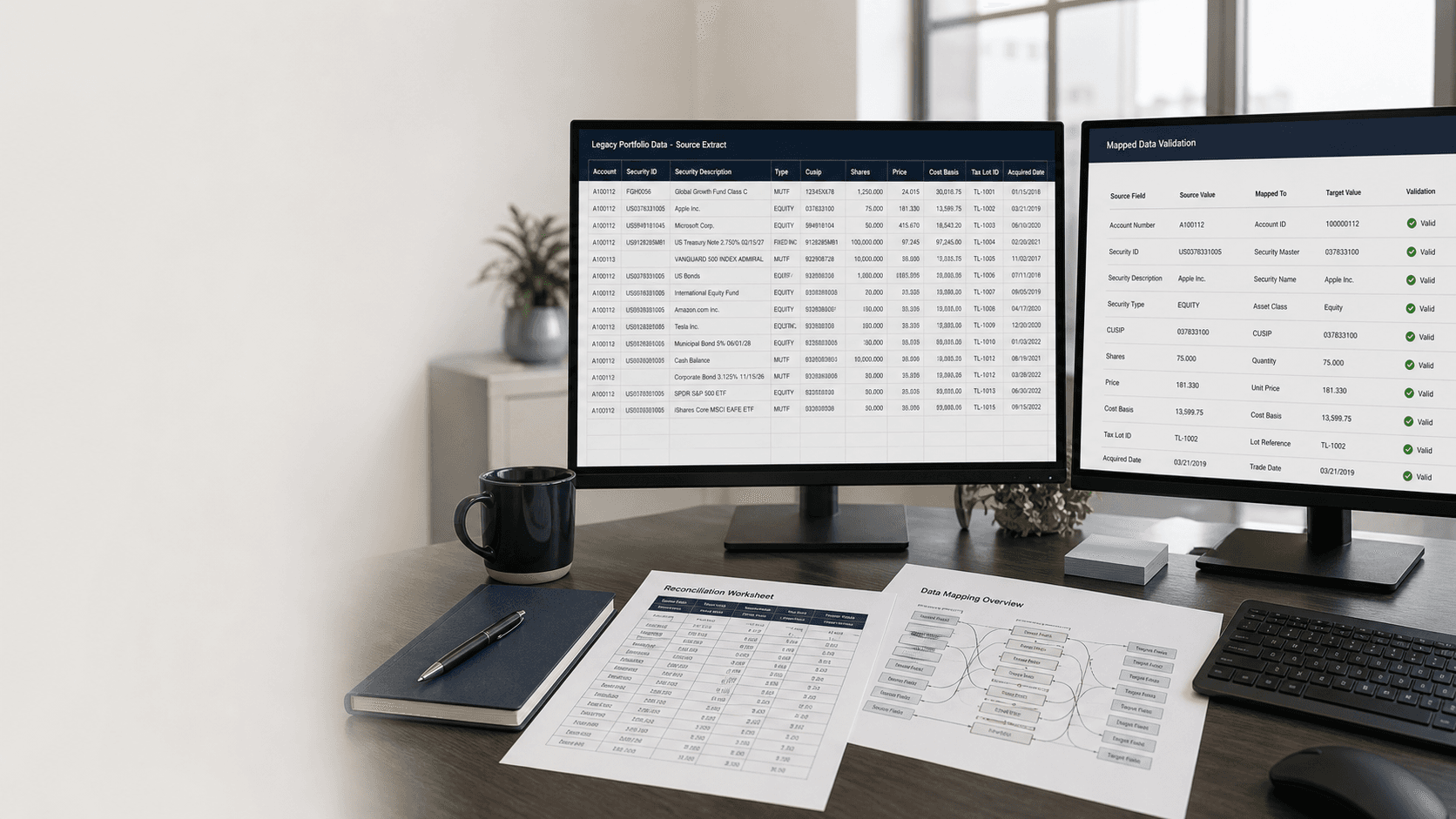
Choosing Orion, Tamarac, Ridgeline, Clearwater or another platform is the easy part. Years of transactions, cost basis, performance, billing rules and custom reports still have to leave APX or Axys intact. CSSI supports APX and Axys every day and has run portfolio system conversions since 1997. We get the data out, map it, prove it arrived and keep the old records available.
  • Extraction of transactions, holdings, cost basis and history from APX or Axys
  • Mapping to the destination platform's import format, alongside its implementation team
  • Parallel validation against the reports your team already trusts
  • Options to keep the old Advent environment available for records
Not sure you are leaving Advent? CSSI also handles Advent upgrades, APX hosting and reporting that works without a migration.

From a CSSI customer engagement

25,000+ accounts moved from APX to Tamarac in one year.

A long-time BackOffice client decided to leave APX for Tamarac on a one-year timeline, with account history. CSSI had converted many of those accounts into APX over the previous five years, managed the move and the client went live on schedule.

Read the APX to Tamarac story

Where Advent exits go wrong

The new platform is ready. Your Advent data is not.

History is older than the import template

Decades of transactions, tax lots and performance rarely fit a destination's standard load. Decide early what must move, how far back and in what form.

Custom logic is not in the data

Report definitions, scripts, sleeves and the billing rules tied to them live around APX or Axys. They have to be rebuilt or replaced, not exported.

The old system still has obligations

Books-and-records requirements do not end at go-live. Someone has to be able to produce the old reports after Advent is switched off.

Before you switch

What to pull out of APX or Axys

Use this list with your new vendor's implementation team. Each item needs an owner, a cutoff date and a way to check it arrived correctly.
Transactions and holdings
Back to the start date the new platform needs for reporting and performance.
Cost basis and tax lots
Including step-ups, wash sales and adjustments your clients' tax reporting depends on.
Performance history and composites
What must move as data, what can be restated and what stays in an archive.
Comments, custom fields and user-defined data
Free-text transaction comments and custom fields are easy to lose in a standard export.
Securities, classifications and prices
The security master and classifications that reports and models depend on.
Billing schedules and fee rules
Especially billing tied to sleeves, households or tiered schedules.
Report definitions and packages
Custom Advent and SSRS reports clients receive today, and who approves the replacements.
Daily feeds and reconciliation procedures
Custodian feeds, imports and the checks your team runs every morning.

How CSSI runs an Advent exit

Move the data in a way your firm can prove

Inventory what Advent does for you.

List the accounts, history, reports, feeds, scripts and billing the firm relies on, and who owns each output.

Extract and clean the source.

Build or modify Advent reports and scripts to pull exactly the history required, with text, dates and numbers formatted for the destination's import.

Map and load with the new vendor.

Work alongside the destination's implementation team so the mapping and load follow its rules.

Validate in parallel.

Compare positions, transactions, performance and key reports against APX or Axys before cutover.

Decide what happens to Advent.

Keep it running, archive it on the CSSI private cloud so it can be brought back up when needed or retire it with a documented export. See CSSI archiving services.

Advent moves CSSI has delivered

Firms have already left Advent with CSSI

APX to Tamarac, 25,000+ accounts

History included, a one-year timeline and a go-live on schedule. Read the story.

Axys to Orion, sleeves and complex billing

A conversion with sleeve-level billing and reporting. Orion referred other customers to CSSI before the project finished. Read the story.

Daily trust feeds moved to Tamarac

CSSI's TrevPort utility kept the same data feeds and delivered them in a Tamarac-ready format. Read the story.

Questions

Frequently asked questions

Straight answers to the implementation, workflow, and fit questions that usually come up first.

Can CSSI move our APX or Axys history to Ridgeline, Clearwater, Orion or Tamarac?

CSSI extracts, cleans and maps Advent data for the destination platform and validates the result. CSSI has published conversions to Tamarac and Orion. For any destination, the scope starts with the history the new platform needs and the import format its implementation team expects.

Doesn't the new vendor handle the conversion?

Vendors typically load data in their own format. Someone still has to get the data out of APX or Axys correctly, including history, cost basis, comments and custom fields, and show that it matches. CSSI does that work alongside the vendor's implementation team.

How far back can the history go?

Usually as far back as the Advent database holds it. Agree with the new vendor on what the platform needs for reporting and performance, and what can be archived instead of converted.

What happens to our Advent environment after go-live?

You can keep it running, archive it on the CSSI private cloud so it can be brought back up when needed or retire it with a documented export. Books-and-records requirements should drive the choice.

How long does an Advent exit take?

It depends on accounts, years of history, custom reporting and billing. One CSSI client moved 25,000+ accounts with history from APX to Tamarac on a one-year timeline and went live on schedule. Smaller moves are scoped accordingly.

We have not decided whether to leave Advent. Can CSSI help?

Yes. Staying is a legitimate outcome. CSSI supports APX and Axys upgrades, hosting, reporting and back-office operations, so the comparison can include what it would take to stay.

Next step

Tell us where your Advent data is going

Share the platform you chose or are evaluating, how many accounts and years of history you have and your target go-live. CSSI will tell you what has to come out of APX or Axys and how to prove it arrived intact.