Wealth management software for reporting and operations
Wealth management software should demonstrate the work your advisors and operations team need to complete. Use one household to test portfolio coverage, valuations, client reports, review steps, and delivery. CSSI can help define the portfolio-data, custom-reporting, and implementation work behind that decision.
A demonstration built around a real household and reporting cycle
Explicit boundaries for accounting, analytics, client relationships, and access
Implementation requirements linked to data, reports, and operating handoffs
From a CSSI customer engagement
A conversion built around the firm's actual workflows
CSSI's published Axys-to-Orion engagement covers a conversion with sleeve structures, complex billing, and dependent reports. Review the project context when defining what your own system change needs to preserve.
Start with the client outcome the platform must support
Follow a household through the reporting cycle
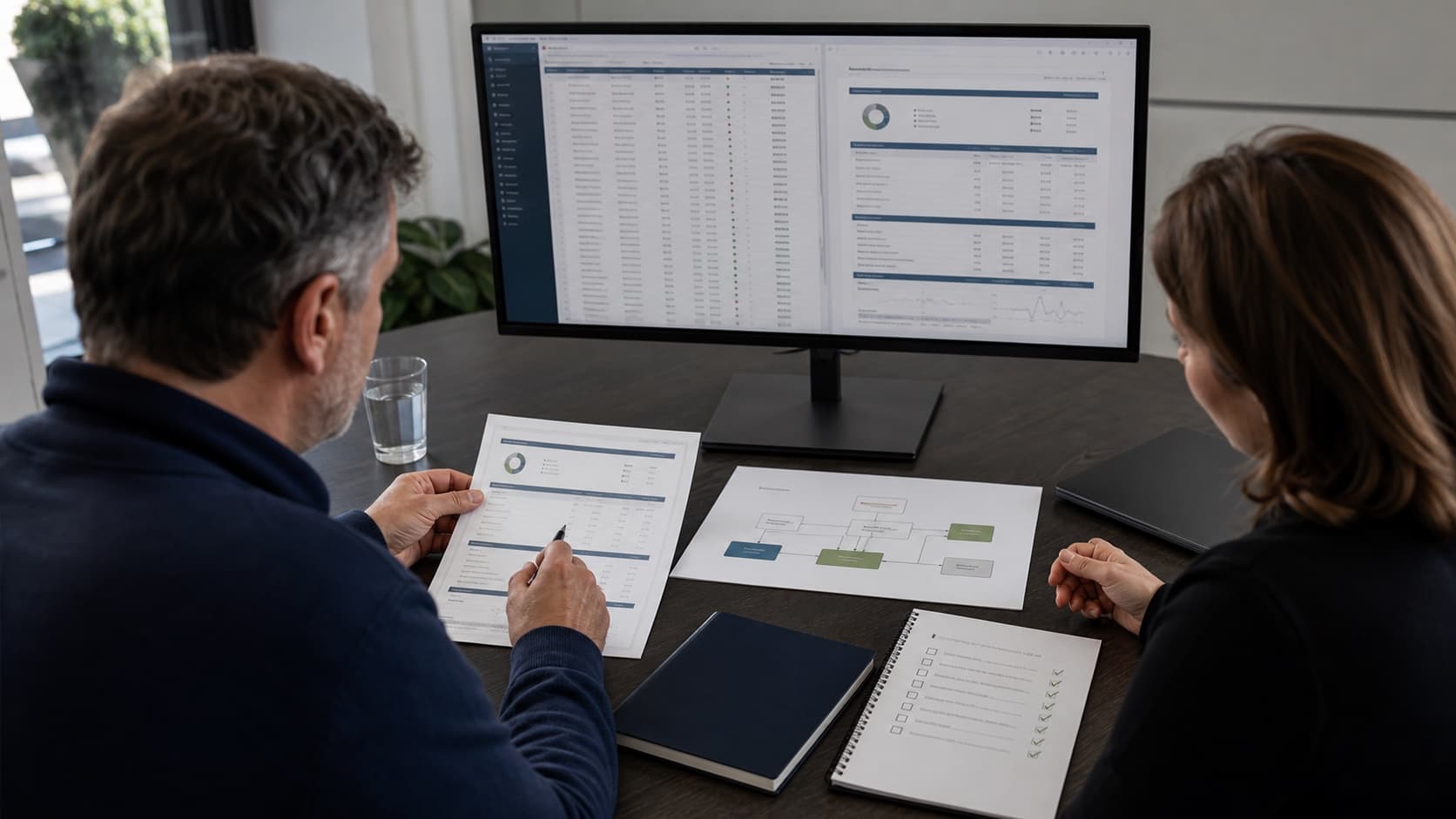
A wealth management platform can look complete in a demonstration while leaving your team with manual account grouping, spreadsheet adjustments, or report assembly. Define the household, accounts, valuation dates, approved figures, and package the advisor needs. Ask each provider to complete that same workflow.
Define the software and service responsibilities
Wealth management operations software may cover data collection, calculations, review queues, or client-facing delivery. Identify which system owns each job and which steps require people. CSSI supports portfolio data, APX and Axys workflows, custom reports, recurring packages, and Portal+ access. Confirm additional systems and interfaces during scoping.
Make outside-asset coverage visible
Family office software and private wealth management software often need a view across multiple entities and assets. List the sources, ownership relationships, valuation dates, and exclusions. A report displaying an outside asset still needs a process for updating and approving its value.
Platform demonstration
Compare wealth management software using one household
Use this checklist for software for wealth management, a combined platform, or a reporting improvement around the systems you already use.
Scroll across to review all three columns.
Compare wealth management software using one household
Workflow
Ask the provider to demonstrate
Document before implementation
Accounts and households
The same client with several accounts, an entity relationship, and a change in household membership.
Identifiers, grouping rules, ownership sources, and the person who approves changes.
Investment coverage
Liquid holdings and any required private or outside asset, including its valuation date.
Available feeds, manually maintained records, update owners, and assets outside the initial scope.
Reporting and analytics
The client package against approved source figures, with the requested periods and benchmarks.
Calculation sources, custom layouts, available measures, and validation responsibilities.
Daily operations
A late file, an unmapped account, and a corrected transaction through the review workflow.
Exception owners, release cutoffs, rerun rules, and the ongoing support scope.
Client access
The advisor and client views, archived documents, and a corrected package.
Recipient permissions, publishing approvals, replacement rules, and retrieval requirements.
Migration and ongoing work
A sample account with history and the firm's recurring reporting steps.
Conversion scope, configuration, custom development, retained systems, and recurring responsibilities.
Example decision
A household report still needs a spreadsheet adjustment
Illustrative workflow: an advisory firm combines three custodial accounts and an outside investment in a household report. The custodial figures refresh daily, while the outside investment has an older valuation. Staff copy the outside value into a spreadsheet and add it to the report without displaying its date.
The useful software comparison tests that exact case. Identify the outside valuation source, update owner, and date treatment. Compare the household totals with approved records, then demonstrate the client package and access permissions. Scope the data preparation, report changes, and recurring review alongside the software purchase.
Project outputs
Scope the work around useful deliverables
A household and source map
Identify each account, asset, ownership relationship, valuation source, and system responsibility in the agreed reporting view.
A shared demonstration specification
Use the same package, reference figures, exceptions, and access roles to evaluate each proposed approach.
A defined implementation scope
Separate data work, configuration, custom reports, recurring operations, and client delivery so proposals address the same work.
First project
Start with a defined workflow
Choose the reporting outcome.
Select one household or entity view, its approved source figures, and the client package the firm needs.
Map the platform responsibilities.
Identify accounting, data, analytics, CRM, reporting, delivery, and review ownership across existing and proposed products.
Run the same demonstration.
Compare dates, totals, access roles, exceptions, and the manual work needed to produce the package.
Scope the first project.
Agree the data, reporting, migration, or operational change CSSI can support and how the firm will approve the sample.
Connected services
Choose the support the project needs next
Family office investment reporting
Define entities, ownership, valuation dates, and duplicate-exposure rules for the required investment view. Use the family office checklist.
Check account mappings, source coverage, refresh timing, and validation before extending the reporting view. Review aggregation requirements.
Provider scope
Compare the jobs each product proposes to cover
Addepar describes aggregation, investment analysis, and reporting in its wealth management overview and family office overview. Ridgeline describes a unified accounting, trading, and reporting platform in its platform overview. Use their current scope descriptions when building the demonstration checklist.
For an improvement around existing portfolio data, review CSSI's report development, recurring operations, and Portal+ delivery scope. Confirm product capabilities and any new connections directly with the responsible providers.
Questions
Frequently asked questions
Straight answers to the implementation, workflow, and fit questions that usually come up first.
How should we evaluate wealth management software?
Use one household and reporting cycle. Compare account grouping, asset coverage, valuation dates, source figures, review steps, client access, and the implementation work required to produce the agreed output.
What should we check in family office software solutions?
Define entity ownership, included assets, valuation sources, reporting currency, and recipient views. Review investment reporting separately from entity accounting, partnership allocations, tax work, or other specialist functions.
Can we improve wealth management reporting while keeping APX or Axys?
CSSI can review custom reports, package preparation, data requirements, and Portal+ delivery around the existing portfolio source. Confirm the source records and required output before agreeing the project.
What should a software proposal include beyond the subscription?
Identify data conversion, source connections, configuration, custom reports, training, release checks, recurring operations, and support ownership. Compare proposals against the same representative workflow.
Next step
Discuss a defined project with CSSI
Bring a household package and the manual steps behind it. CSSI can review the data, reporting, and implementation requirements and define a useful first project.